
Learners will be able to use Outlook to enhance professional correspondence, create calendars, and schedule appointments. Participants will create and edit professional-looking email messages, maintain calendars across time zones, and schedule tasks for a variety of purposes and situations including sending email for marketing campaigns, planning staff meetings, and assigning action items from those meetings. Read more
Rating
Difficulty
Content
Price


PowerPoint 2013 is the world’s premier presentation software. With PowerPoint 2013 you are provided a new landing screen which makes launching and creating documents easier than previous versions. There is also an improved Presentation View with gives your presentations that extra focus. PowerPoint 2013 also has an improved user interface with an array of powerful tools to help you share your presentations through Skydrive! Read more
Rating
Difficulty
Content
Price

PowerPoint 2013 is the world’s premier presentation software. With PowerPoint 2013 you are provided a new landing screen which makes launching and creating documents easier than previous versions. There is also an improved Presentation View with gives your presentations that extra focus. PowerPoint 2013 also has an improved user interface with an array of powerful tools to help you share your presentations through Skydrive! Read more
Rating
Difficulty
Content
Price

Participants will learn how to use the in-depth features of PowerPoint 2013. This course is designed to get into the more advanced features of PowerPoint 2013. Participants will be shown a practical way of learning with a hands-on and customizable approach. They will get a chance to experience some of the new features that are offered in PowerPoint 2013. PowerPoint 2013 is the world's premier presentation software. With PowerPoint 2013 you are provided a new landing screen which makes launching and creating documents easier than previous versions. There is also an improved Presentation View with gives your presentations that extra focus. PowerPoint 2013 also has an improved user interface with an array of powerful tools to help you share your presentations through Skydrive! Read more
Rating
Difficulty
Content
Price

Participants will learn to create, edit, and enhance slideshow presentations to create professional-looking sales presentations, employee training, instructional materials, and kiosk slideshows. Learners will gain a fundamental understanding of the PowerPoint 2016 environment and the correct use of key features of this application. Read more
Rating
Difficulty
Content
Price
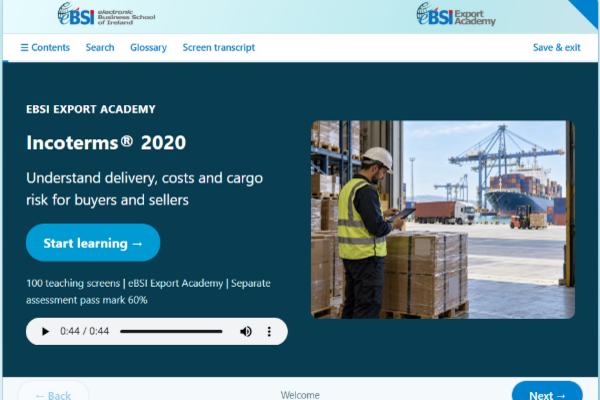
ITS - TCP - 010 - Incoterms 2020 in Practice Incoterms® 2020 gives buyers and sellers a shared framework for delivery, costs and cargo risk in a sales contract. This course explains how to select and state the right rule, identify the precise delivery event and check whether the agreed transport, insurance, customs and document arrangements are workable. Across 100 interactive screens, you will explore all 11 Incoterms® 2020 rules through fictional but realistic transactions. Each screen asks you to make a practical decision before comparing it with a worked answer. You will practise naming an exact delivery point, tracing risk transfer, comparing landed or delivered costs, checking insurance and clearance responsibilities, and spotting documentary credit conditions that conflict with the shipment arrangement. The course includes a student manual and a separate assessment. Each attempt draws 20 questions from a 60-question bank, with two questions from each of ten chapters. The pass mark is 60%, or 12 correct answers out of 20. Suitable for people who buy, sell, arrange or finance cross-border shipments. Basic familiarity with orders, invoices and shipments is helpful; prior Incoterms knowledge is not required. Read more
Rating
Difficulty
Content
Price
Shopping Cart
Your cart is empty